Not Every Password Needs the Same Rules
July 27, 2026
A few questions we hear from small business owners constantly: how complex do my passwords need to be? Which of my passwords actually need to change periodically? And, which ones need multi-factor authentication (MFA) turned on? The honest answer is that it depends on the system, and treating every login in your business the same way usually means either overprotecting the systems that do not need it or underprotecting the ones that do.
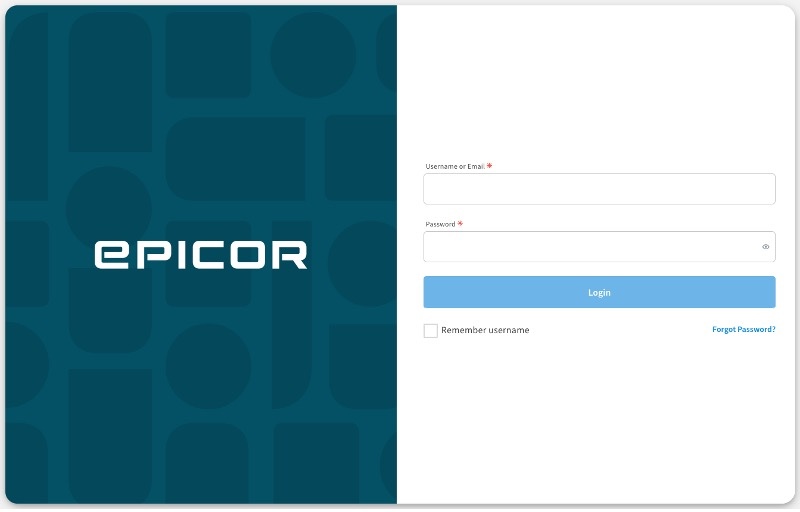
In Ace Hardware stores, the Epicor Eagle and Propello point-of-sale systems handle passwords very differently, so it matters which system your store runs.
Eagle gives employees a choice between two password types. A high-security password must be at least 7 characters, contain both letters and numbers, and cannot reuse any of your last 4 passwords. It expires by default every 90 days; system administrators with appropriate permissions can configure a shorter window if they choose, but Eagle does not allow extending this beyond 90 days or disabling the requirement entirely. A regular Eagle password can be as short as 4 characters, is typically numeric only, and never expires. Eagle has no MFA option today, so on Eagle the password itself is your only line of defense.
Users with access to certain Security Bits in Eagle are required to have a high-security password. You should strictly limit the number of users with access to these bits:
| Security Bit | Security Bit Description |
| 14 | Add/change/delete security settings, bit lists |
| 91 | Allow system admin utilities (such as CDT, OSPREY) |
| 506 | Allow access to OSPREY’s USRLOGIN function |
| 689 | View full customer credit card number |
| 691 | View full customer credit card number (decrypted mode) |
| 757 | Ability to view bankcard number in QuickRecall |
Propello works differently. Its login password must be at least 10 characters and include an uppercase letter, a lowercase letter, a number, and a special character, and your administrator can configure it to expire on a schedule or never expire. Propello also uses a separate short PIN, up to 6 characters, for quick tasks like unlocking the POS screen. Unlike Eagle, Propello supports single sign-on (SSO): if your store connects Propello to an outside identity provider, such as Microsoft Entra ID or Google Workspace, and that provider requires MFA, the MFA requirement carries over to Propello logins, including at the POS screen. If MFA for Propello matters to you, ask us about setting up SSO.
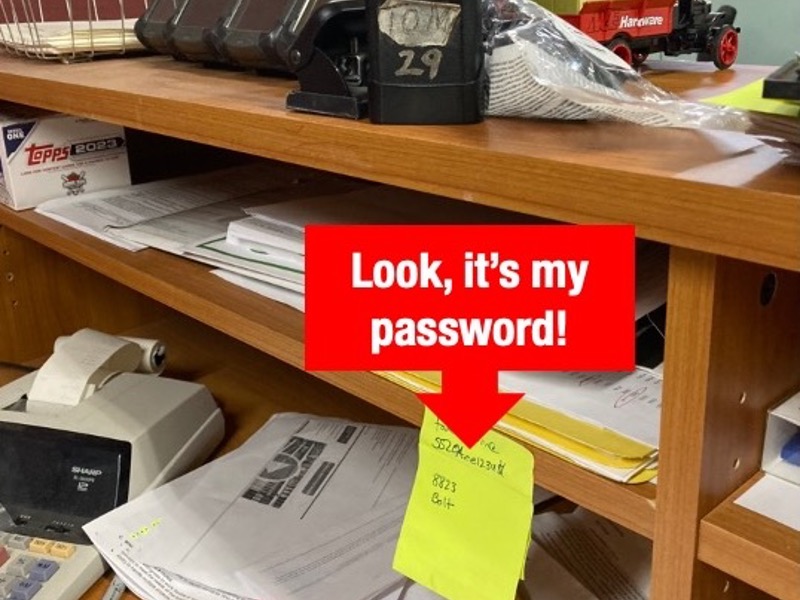
Our recommendation: on Eagle, use the high-security option for every employee whose role touches returns, voids, discounts, customer maintenance, credit card viewers, or credit card reporting, and for anyone with manager-level access. On Propello, meet the password requirements the system already enforces, and talk to us about SSO if you want MFA for your users. Either way, do not push your team toward passwords more complex than the system requires; a system that does not support a password vault’s autofill is exactly the kind of system where an unreasonably complex requirement ends up written on a sticky note instead of memorized.
Where MFA is Available, Turn It On
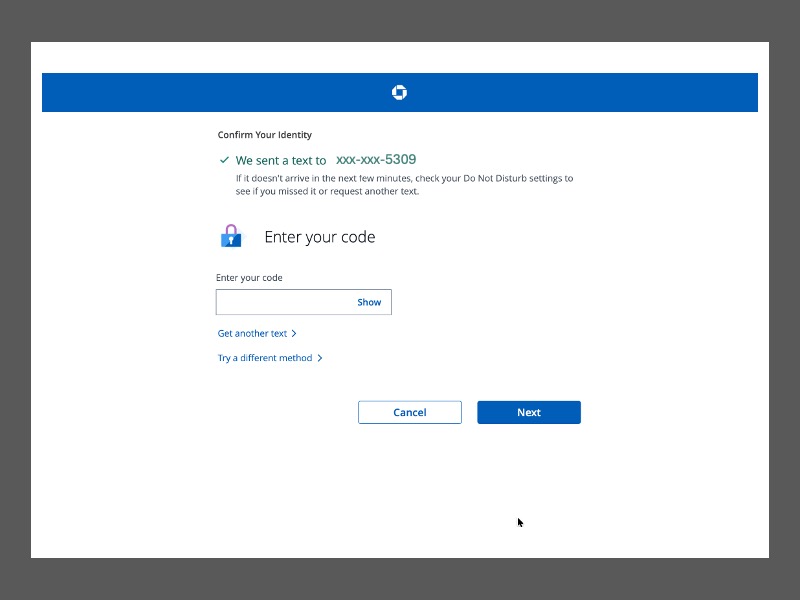
A growing number of the systems your business depends on now support MFA: business email, online banking, payroll and time-clock platforms like Paycor, accounting platforms like QuickBooks Online, and financial portals like Wipfli. In general, wherever MFA is available, it should be required.
The federal government’s own current password standard illustrates just how much weight MFA carries: a password used by itself must be at least 15 characters, but a password used as one factor in MFA only needs to be 8 . In practice, a shorter password backed by MFA is safer than a long password standing alone, because MFA stops an attacker even after they already have your password.
Where MFA Isn’t Available Yet, Length and Periodic Change Still Matter
In an Ace store, Epicor Eagle is the clearest example of a system the business relies on every day that does not yet offer MFA. On systems like this, a strong password that changes on a regular schedule is your best available protection, since there is no second factor to catch a password that has been guessed, shared, or stolen. Eagle’s own high-security option, which expires at least every 90 days by default, is a reasonable floor for these systems until MFA becomes available, and it meets the PCI DSS 4.0 standard today.
A Password Vault Keeps the Rules Straight
A password vault application gives your team one place to store logins instead of a notebook or a browser. It is also the simplest way to ensure the rules discussed are practiced everyday. A vault can generate and store a long, unique password for every system, hold the MFA code alongside the login it belongs to, and flag which of your passwords is due for its 90-day change.
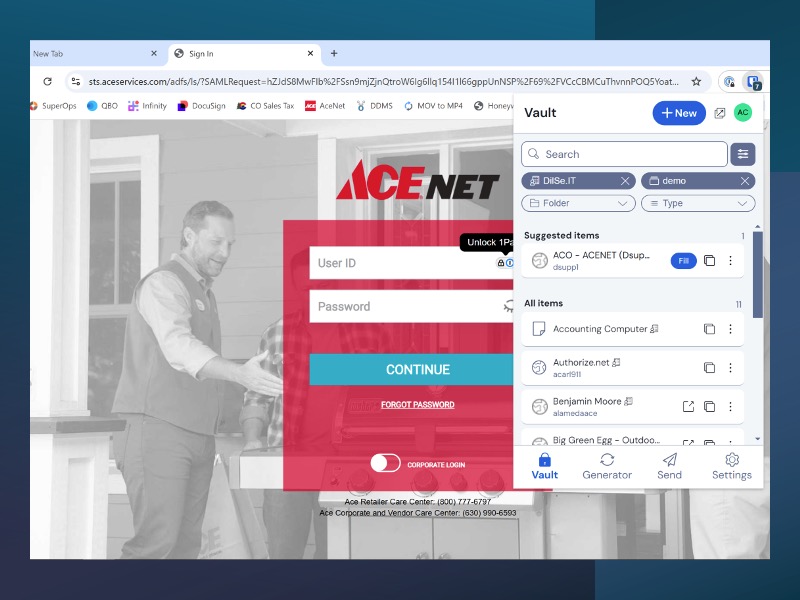
None of this makes a vault mandatory for security. Strong passwords and MFA, applied correctly per system, work with or without one. What a vault does is make doing it correctly, across a dozen systems with a dozen different rules, far less work for your team.