Is Your Eagle System PCI Compliant?
August 15, 2026
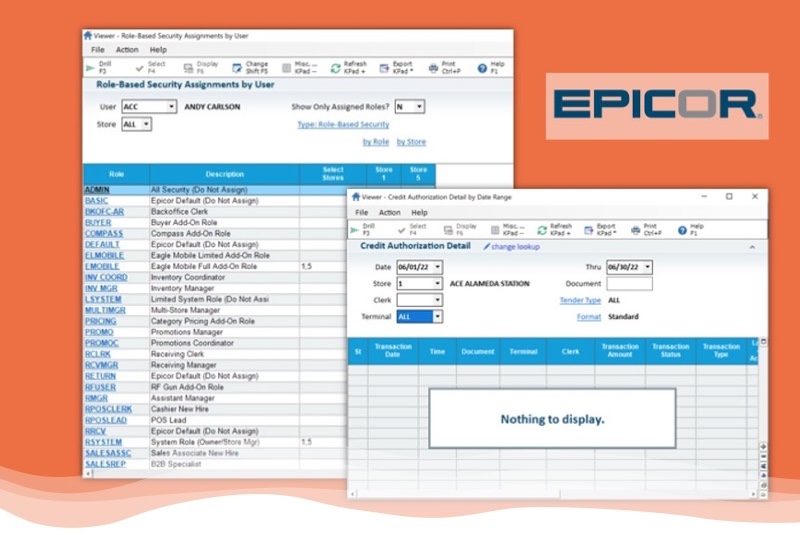
The Eagle Settings Many Ace Stores Get Wrong
PCI DSS compliance is not just about the passwords your employees use — it also depends on how Eagle itself is configured. In our work with Ace stores, we see the same handful of configuration gaps again and again, and each one is straightforward to fix once you know where to look.
1. Give Employees Only the Access Their Job Requires
The most common issue we find in an Ace store’s Eagle system isn’t a missing setting — it’s a role with too much access. A store trains an associate to manage in-store promotions, and rather than build a role right-sized to that one task, gives them a supervisor’s role because it’s the easiest way to get them the permissions they need. That solves the immediate problem, but it also hands that associate authority they were never trained for and don’t need, such as the ability to perform overrides at the point of sale.
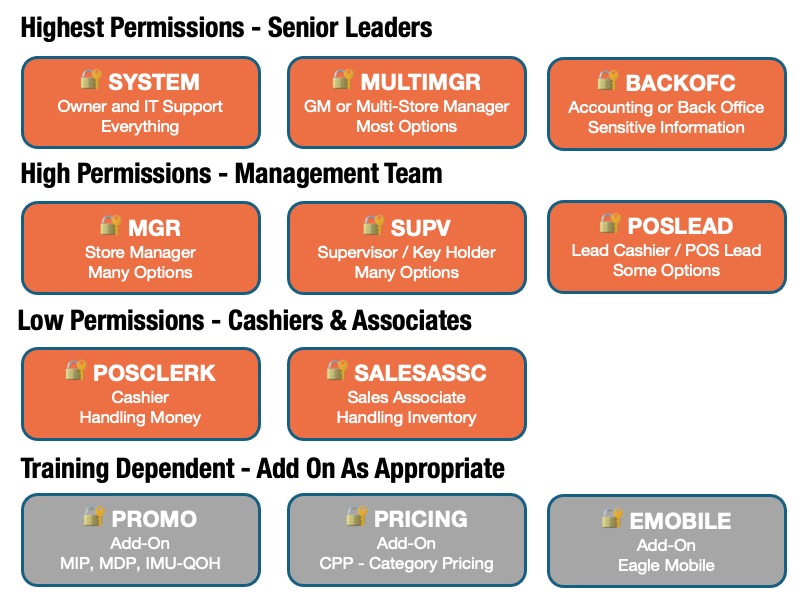
The fix is to build focused, add-on roles tied to specific training — for example, a Promotions role, a Pricing role, or an Eagle Mobile role — and assign them on top of an employee’s normal, appropriately limited role only once that training is complete. This is the principle of least privilege: every employee should have exactly the access their job requires, and no more. Eagle’s default roles are a reasonable starting point, but we recommend reviewing and adjusting them for your store rather than using them as-is.
2. A Handful of Settings Control Who Can See Card Data
Eagle has hundreds of individual permission settings, called Security Bits, that control access to specific functions. A small number of these govern who can change system security settings and who can view customer credit card numbers, and Eagle requires anyone with access to them to use a high-security password rather than a simple PIN, which we covered in last week’s email. The number of employees with access to these specific settings should be strictly limited — in most stores, that means system administrators, and no one else, especially for the settings tied to changing security configuration.
3. Customer Card Numbers are Tokenized, Not Stored in the Clear
If your Eagle system has Transactional Security enabled (and most do), a customer’s card number is encrypted the moment it’s entered at the signature capture pad and converted into a token before it’s ever stored on your system, meaning there is no usable card number sitting on your server for a thief to steal, even in the event of a data breach. This protection, known as point-to-point encryption (P2PE), also keeps working even when Eagle is offline.
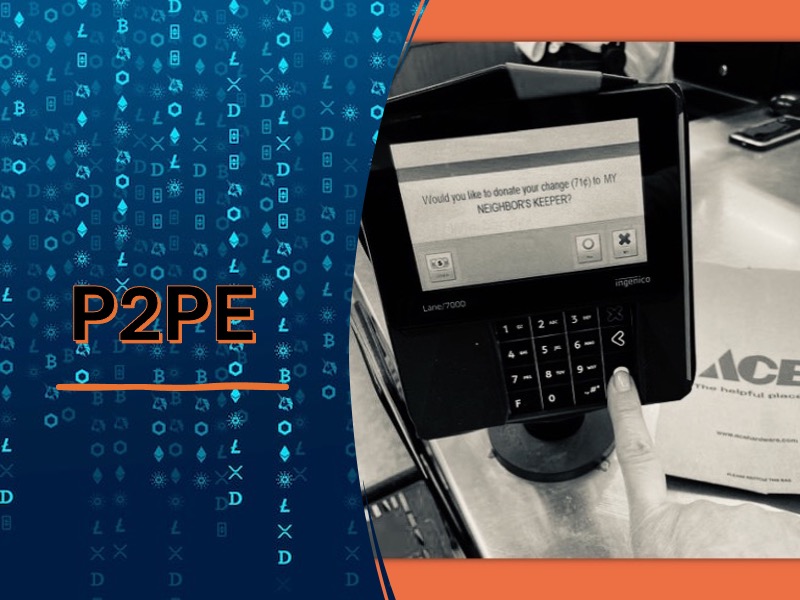
This protection only applies when a card is hand-keyed on the pin pad itself. A card number typed directly into the Eagle POS screen is not encrypted or tokenized at point-of-entry, so make sure any employee authorized to take a manually entered card number is trained to always key it on the pin pad, never on the screen. Please see the cybersecurity document on payment card security features available on the AceNet Cybersecurity Landing Page.